
What to use Custom Surveys for?
With Custom Surveys, you can gather both quantitative and qualitative information to help inform your business cases and overall customer strategy.
- Pre-Sales:
- Gather baseline data from prospects to help make your business case even more credible
- Post-Sales
- Gather baseline info from existing customers if you don’t have any baseline information
- Level set information with different and new stakeholders
- Get updated information to better inform engagements, upsells/expansions, and renewals
How to Create and Use Custom Surveys
Navigate to your opportunity's deal page.
Scroll down to 'Customer Surveys'
You can select a template and modify as you see fit or create your own custom survey.
Add metrics (tied to your company's value framework's use cases/calculations)
Add any qualitative questions (other metrics you'd like to gather and any other question(s) that would be helpful for you to understand how to help your customer).
Once you've finished building your survey, select 'Launch Survey'
You'll be redirected back to the deal page hub. Hover over the clipboard to copy your survey link and send to your stakeholder(s).
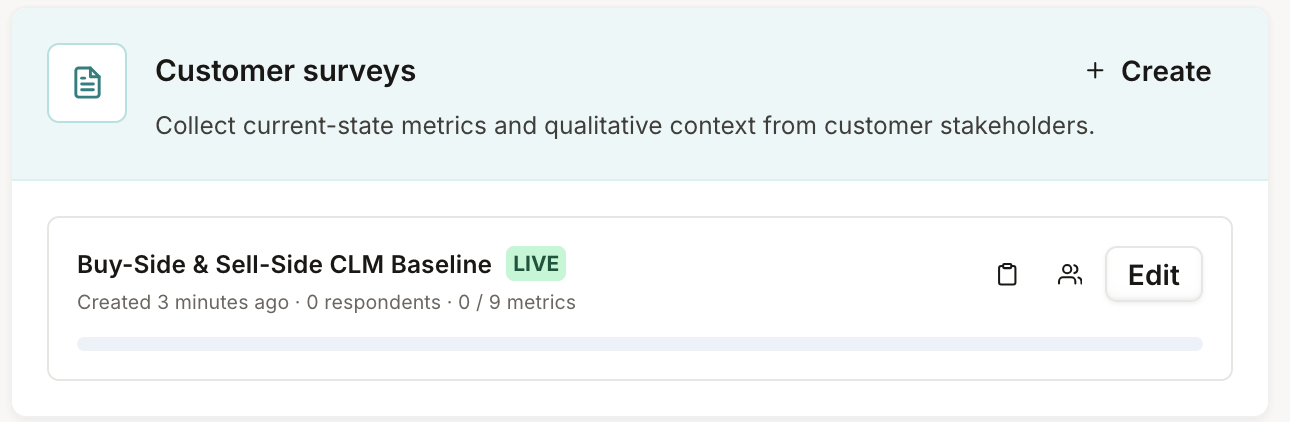
You'll get a notification when your customer responds. When you click on the person icon, you'll be able to view the responses and import specific answers to your business case.