
Canvas: a branded web page
An interactive summary of the case. Built for a CFO or champion to read and forward.Start at: Export › Canvas, or ask Noa
Deck: a presentation
A slide deck on your company template. Built for a live meeting.Start at: Type
/ in the Business Case Agent, Export › Agentic, or ask NoaQuick reference
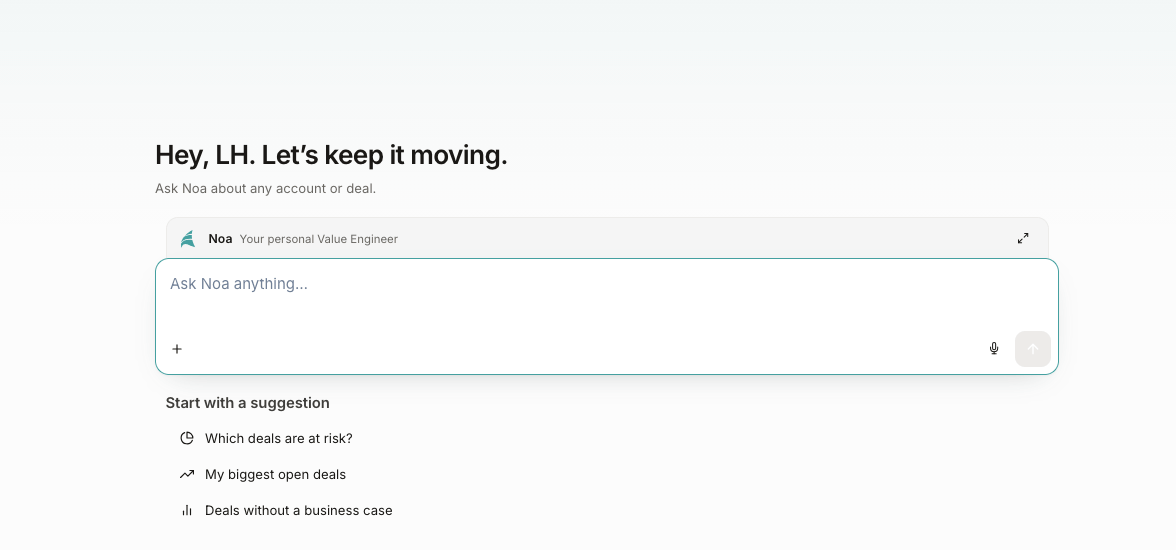
Start from your homepage with Noa
Noa, your personal Value Engineer, sits on your Minoa homepage. Ask Noa to build a canvas or a deck for any deal, and name one of your skills to shape the story. You don’t need to open the business case first.- “Build a CFO canvas for the Acme expansion deal.”
- “Build a value story deck for the Acme deal. It’s for their COO.”
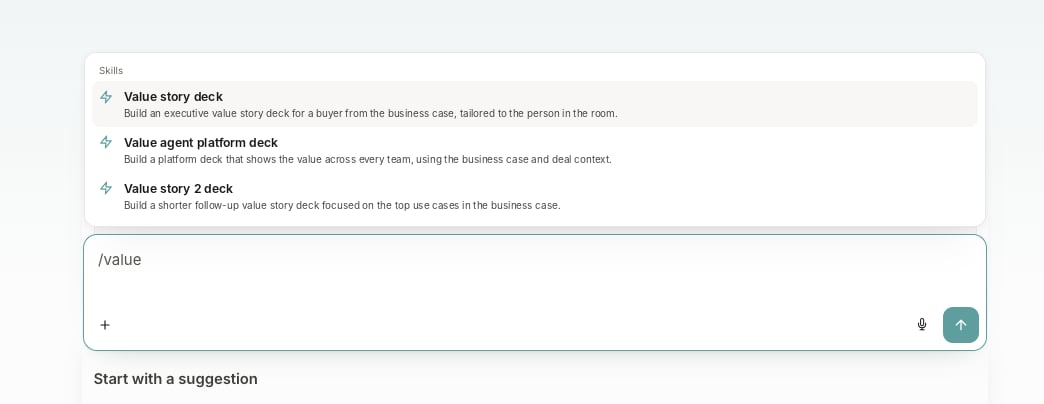
Use a skill to build a value story deck
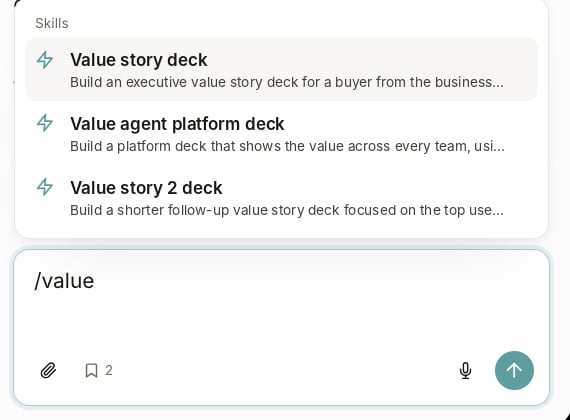
Type/ in Noa’s message box to see your team’s skills. Pick a value story deck skill, then tell Noa the deal and who the deck is for. Noa builds it from that deal’s business case, and you can keep editing it in the chat.
Create a canvas
1
Open the business case and click Export
Open the case from the deal page. In the left rail, click Export.
2
Click Canvas
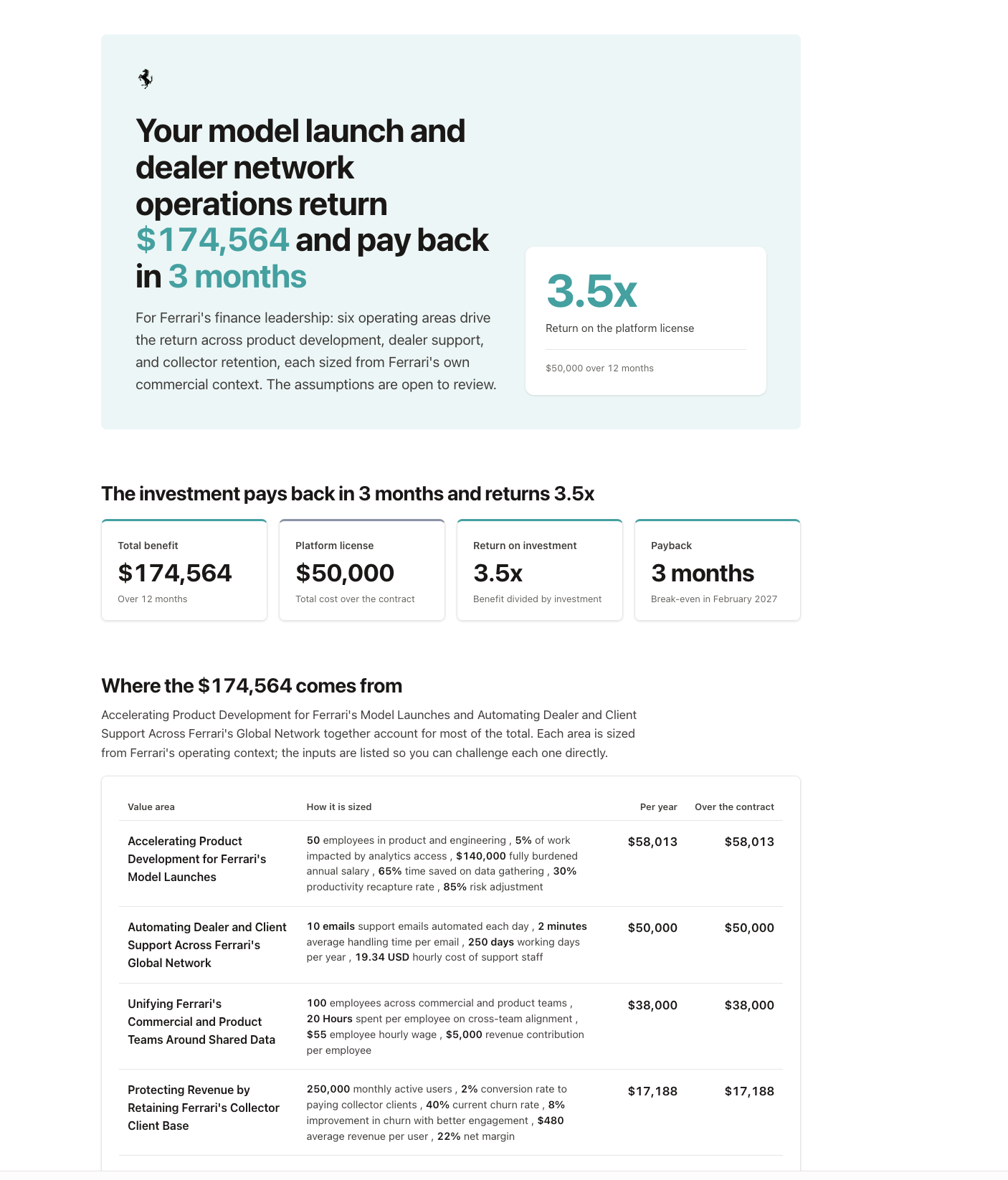
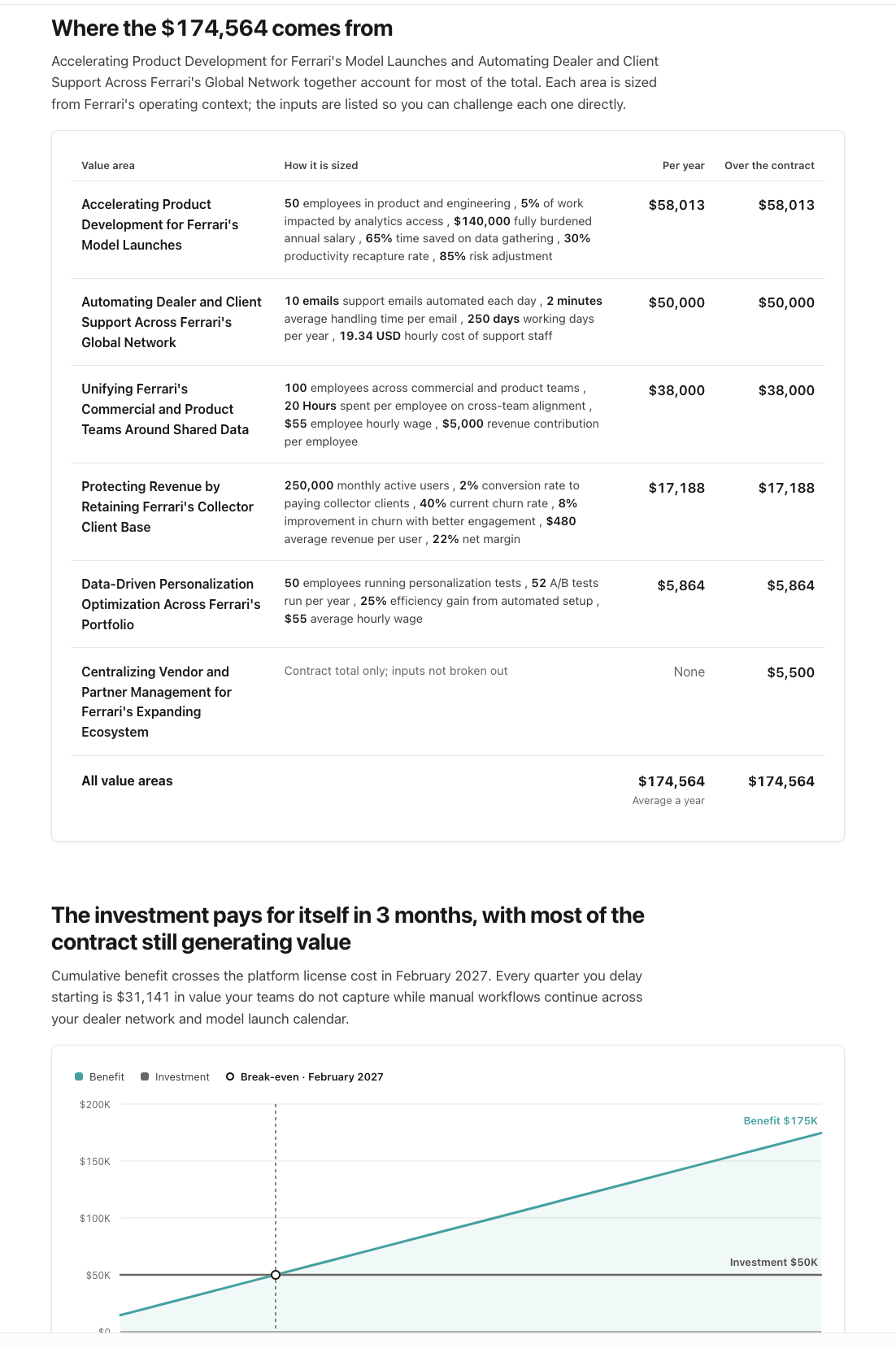
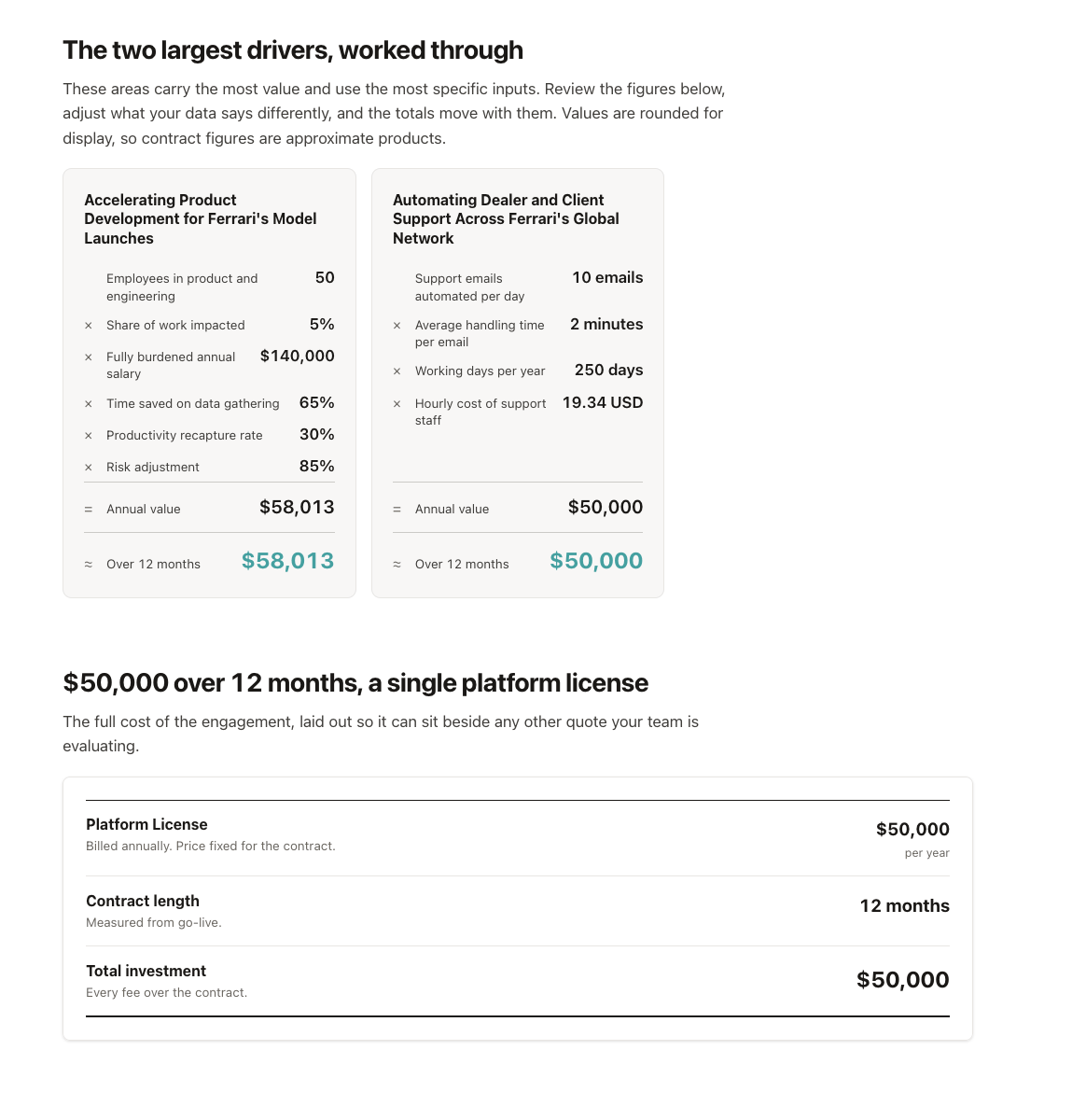
Under Canvases, click Canvas. Minoa reads the case and builds a branded page with your headline return, key figures, top use cases, a benefit chart and the investment breakdown.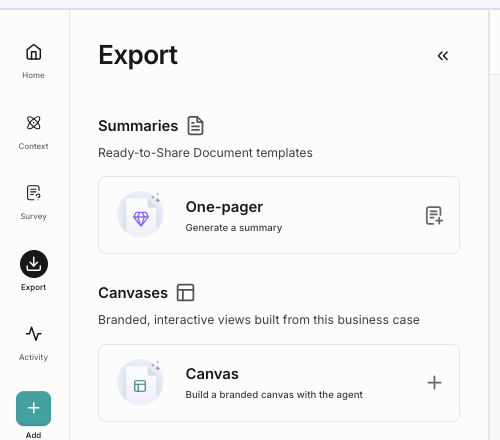
3
Ask the agent for changes
Click a suggested prompt or type what you want in plain English. For example:
- “Make this shorter for a CFO”
- “Create a conservative scenario for procurement”
4
Download it
Click the download icon in the top right of the canvas. The canvas is also saved to the deal page automatically.
Create a deck within the Business Case
1
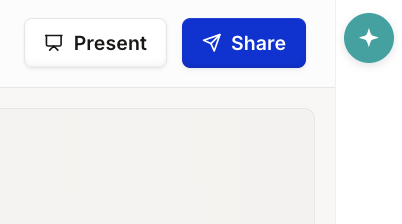
When you're in the business case, you can create a deck using the agent to the right. Don't see the agent? Select the teal start to the top right of the page.
2
Tell Minoa who it's for
Pick the main person in the room. This sets the whole story. A CFO deck leads with payback, ROI and predictable spend. A CIO deck leads with the platform decision.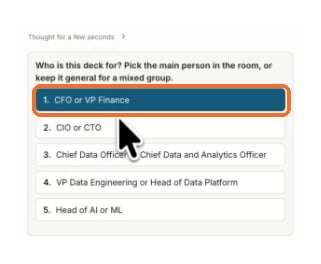
3
Check the outline, then type generate
Minoa proposes the slides and tells you what’s missing from the case. Fix any gaps first if you want those slides in. When the outline looks right, type
generate.4
Review the slides and ask for edits. You can use the agent to customize the deck as you see fit.
Click through the thumbnails and check every number against the case. Want something changed? Ask in the chat. “Cut slide 6.” “Rewrite this for the CIO.” No rebuilding by hand.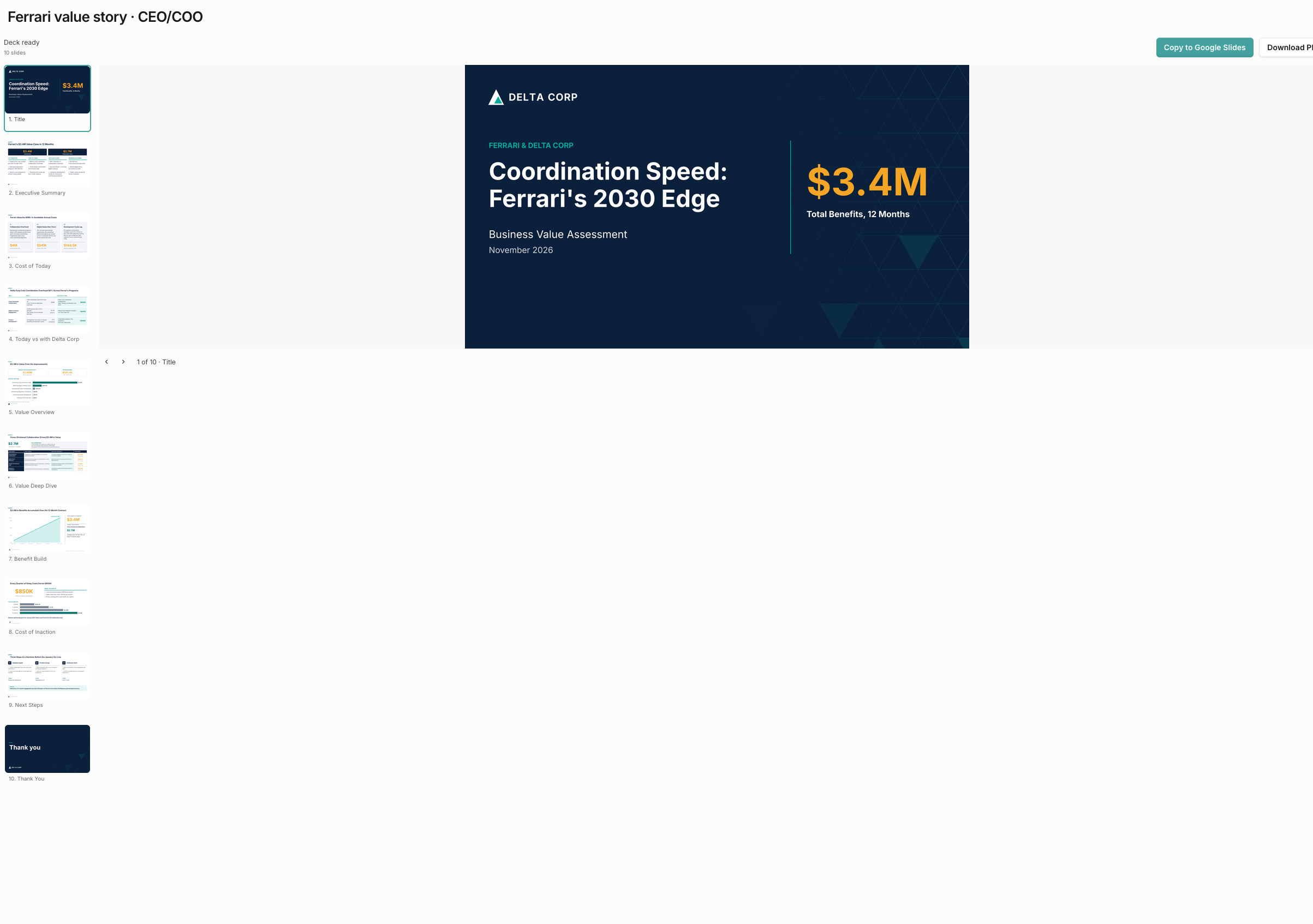
5
Export it
Click Copy to Google Slides or Download PPTX in the top right.
Find it later
Every canvas and deck you build is saved on the deal page with who made it and when. You can see how the value story evolved through the deal. Open any one to pick up where you left off.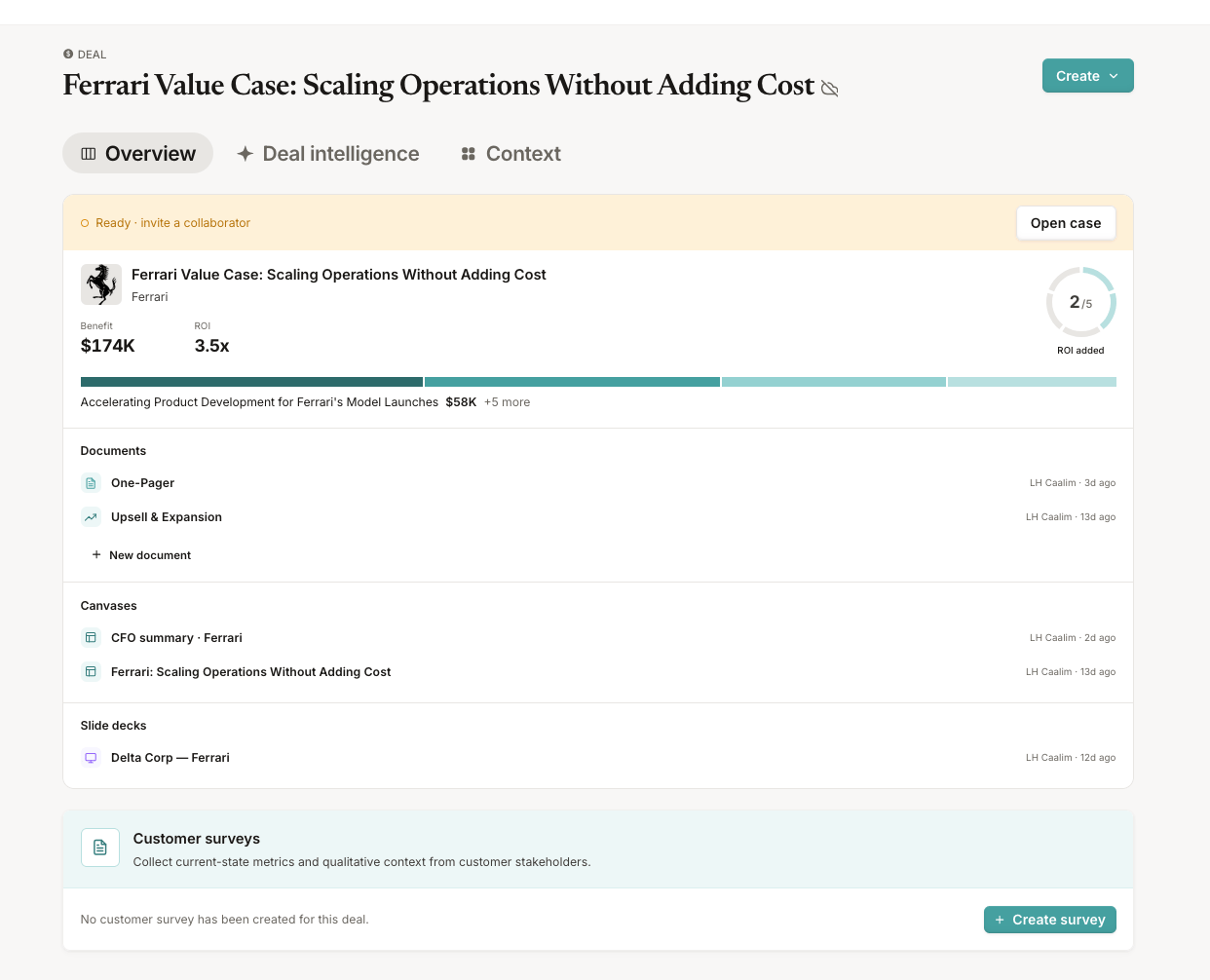
Get a better output
Build for one person
A CFO deck and a CIO deck should look different. Make one for each if both are in the deal.
Edit in Minoa
Edits through the chat stay tied to the case. Edits in Google Slides don’t.
Check before you send
Open the case side by side and confirm the headline numbers.
Have a deck template or style you like?
Use the agent to build a freeform deck. Upload your example files or screenshots to the Business Case Agent or Noa, then ask for a deck in that style. For example:- “Here’s a deck we sent last quarter. Build the same structure for this deal.”
- “Match the layout in these screenshots and keep our brand colors.”
- “Use this PDF as inspiration. Keep the title and next steps slides as is.”