
Every stage at a glance
Qualify the account
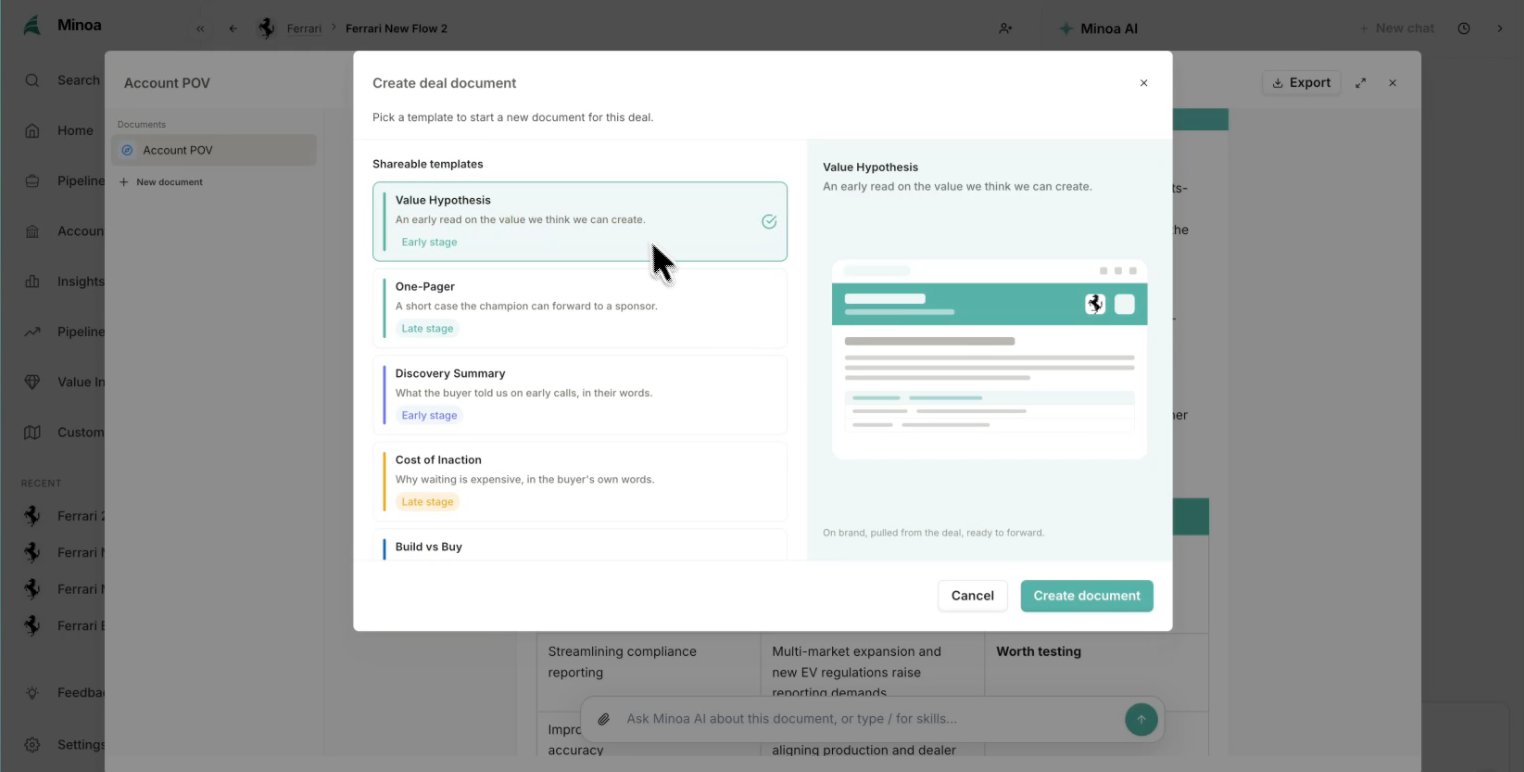
Build an Account POV before you talk to anyone. You don’t need a call on the deal yet. Noa works from account research and anything already in the deal’s context. On the deal page, hit New document and pick Account POV under internal documents. You get a first-call hypothesis on what’s going on at the account, who feels it, and where you might help, with a confidence level on each.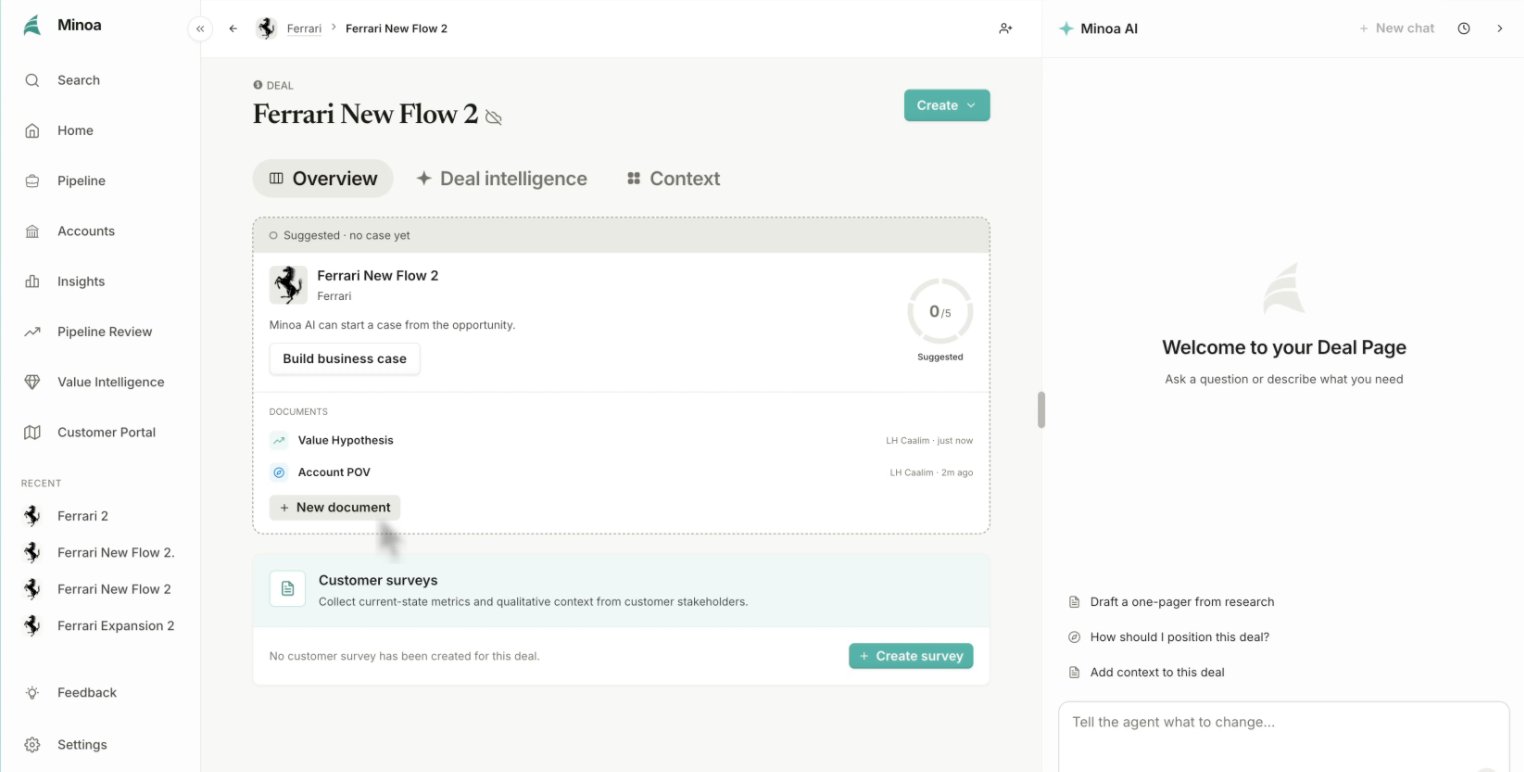
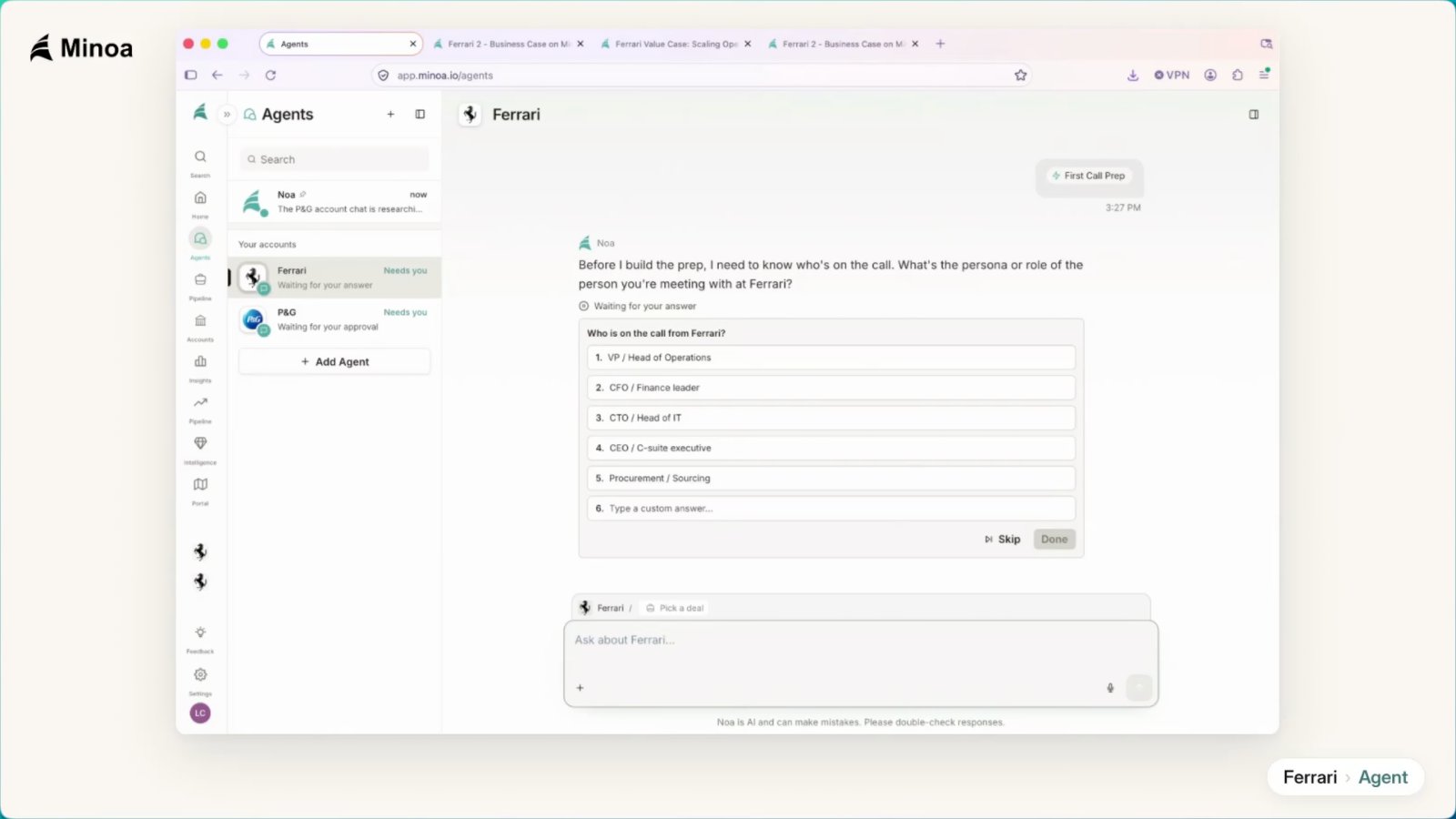
Prep the first call
Tell Noa who’s in the room and get a prep doc built for them. Ask Noa to run First Call Prep for the account. Before it builds anything, Noa asks who you’re meeting with: VP or Head of Operations, CFO or finance leader, CTO or Head of IT, CEO or C-suite executive, procurement, or a role you type in.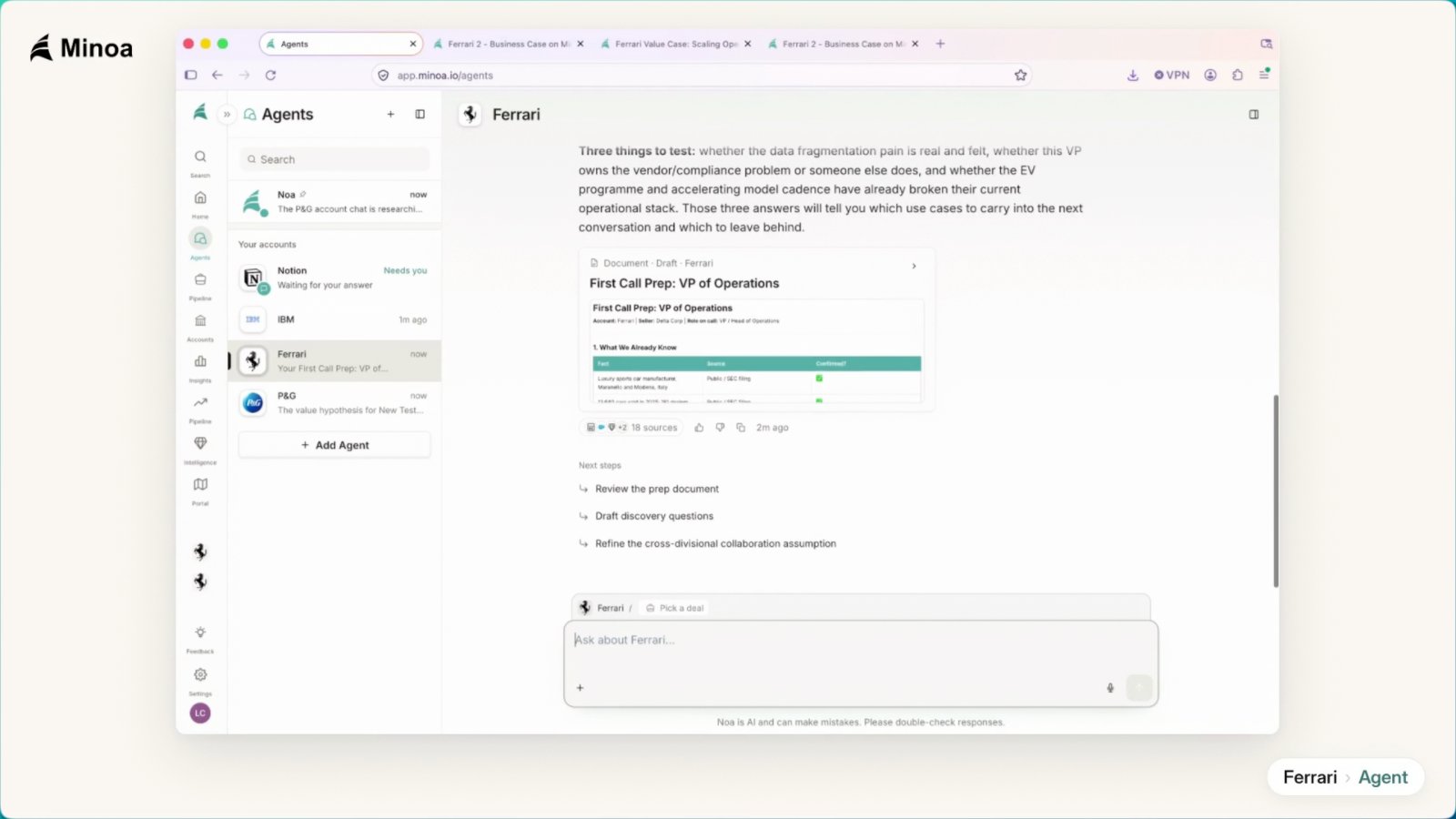
Draft the value hypothesis
Ask in chat, or create it from the deal page. Either way, Noa drafts it from what you heard. A prompt that works well: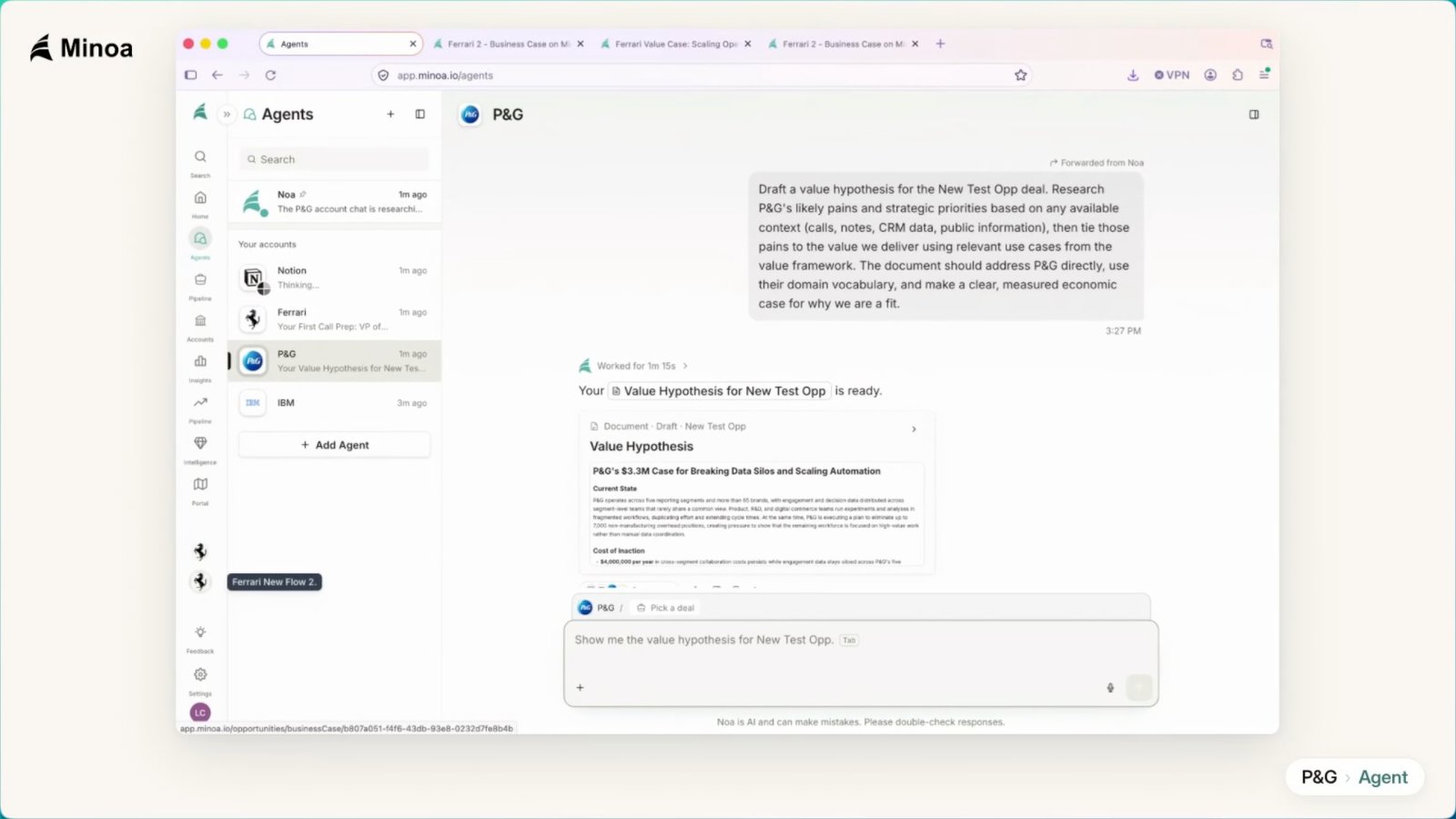
Build the business case
Ask Noa to pick the use cases and find what still needs a real number. You can start the business case two ways:- From the deal page. Hit Build business case on the Overview tab. See Build a business case.
- Let Noa kick it off. Click Build a business case in Noa’s next steps, or just ask in chat. Noa starts it from everything on the deal.
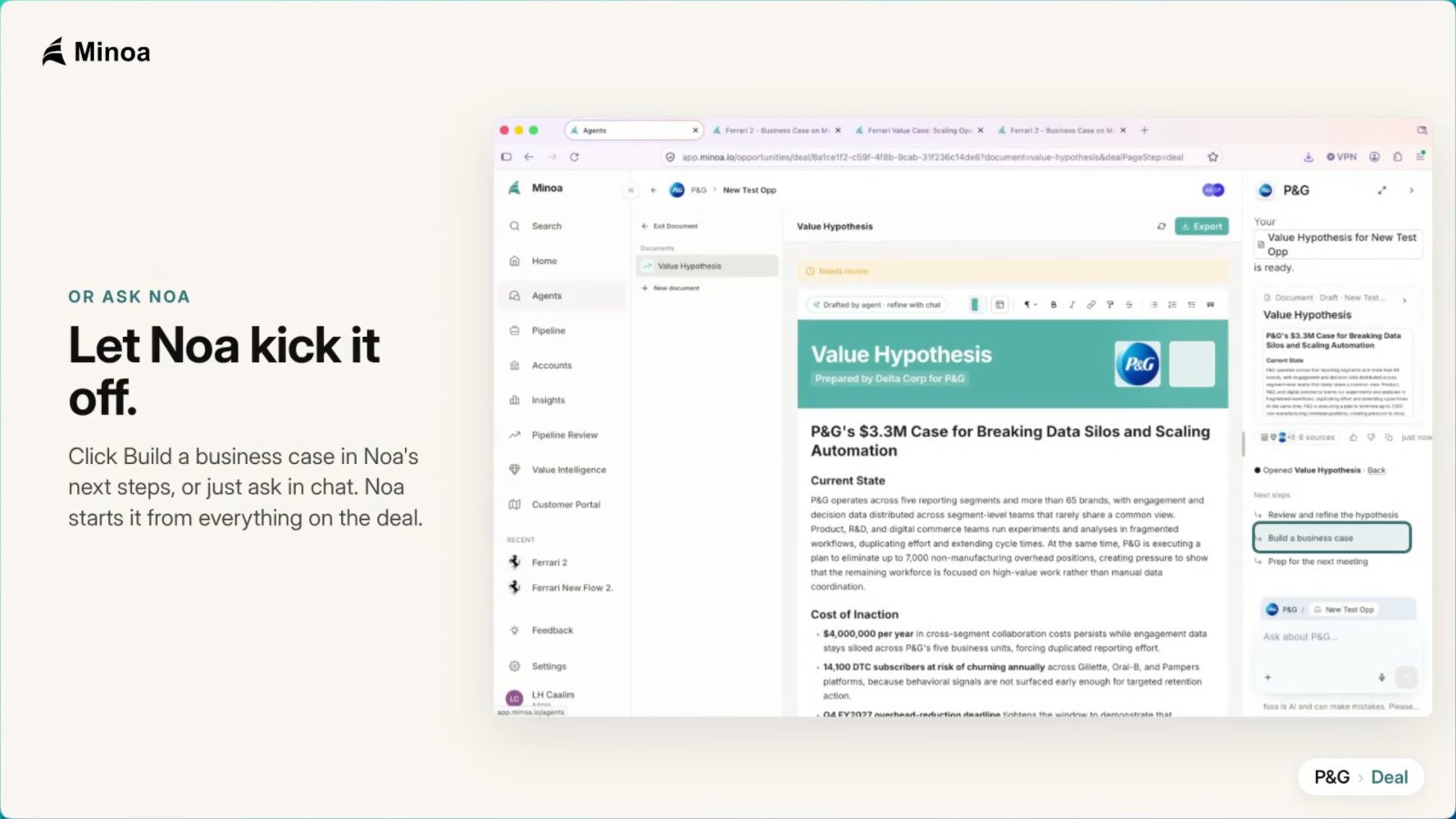
/ to pull up skills like Business Case Audit, Business Case Refresh + Prep, and Review ROI Calculation.
Close the deal
Value Canvas
An interactive business case. Share the link and let the buyer challenge the inputs.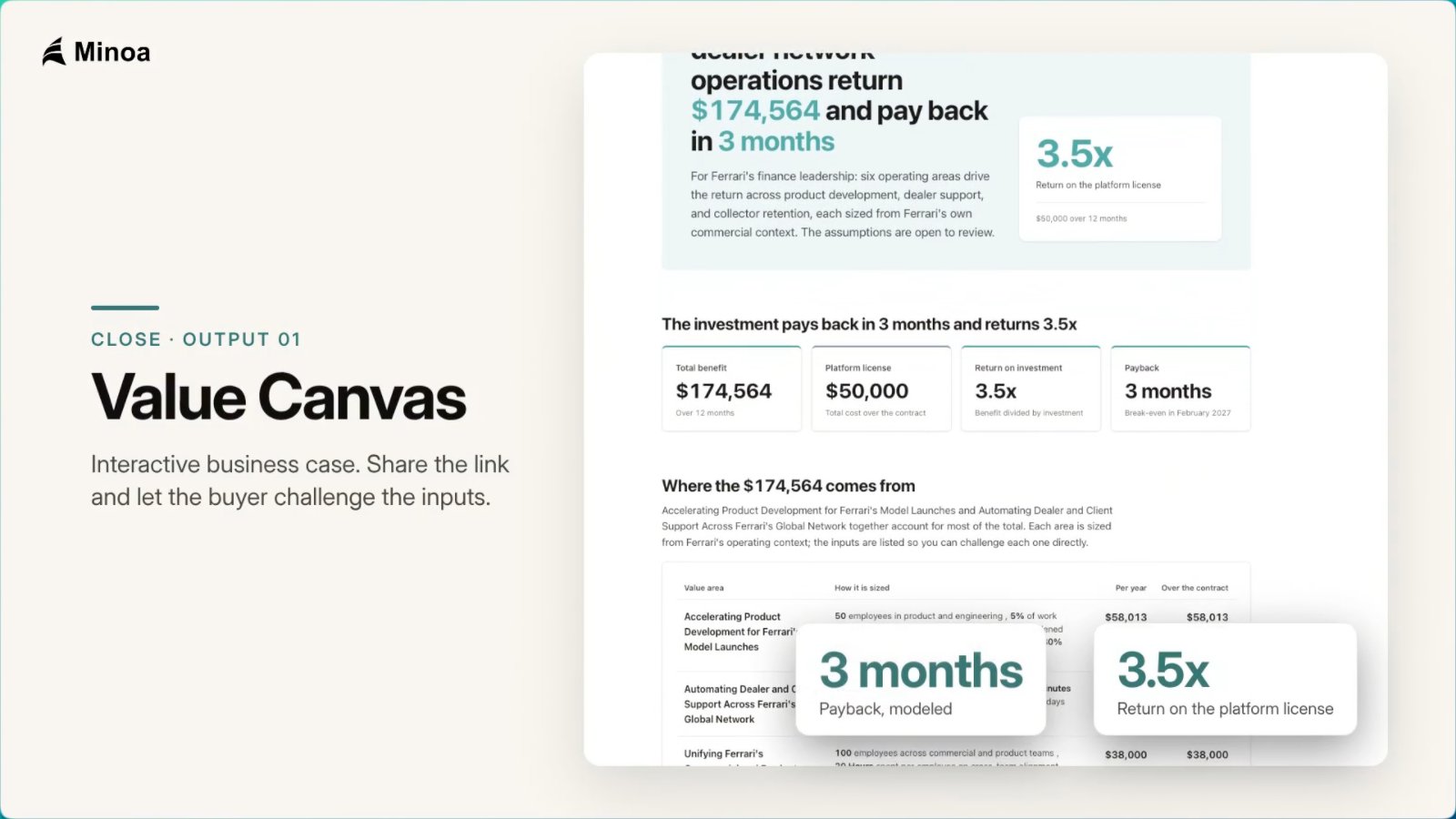
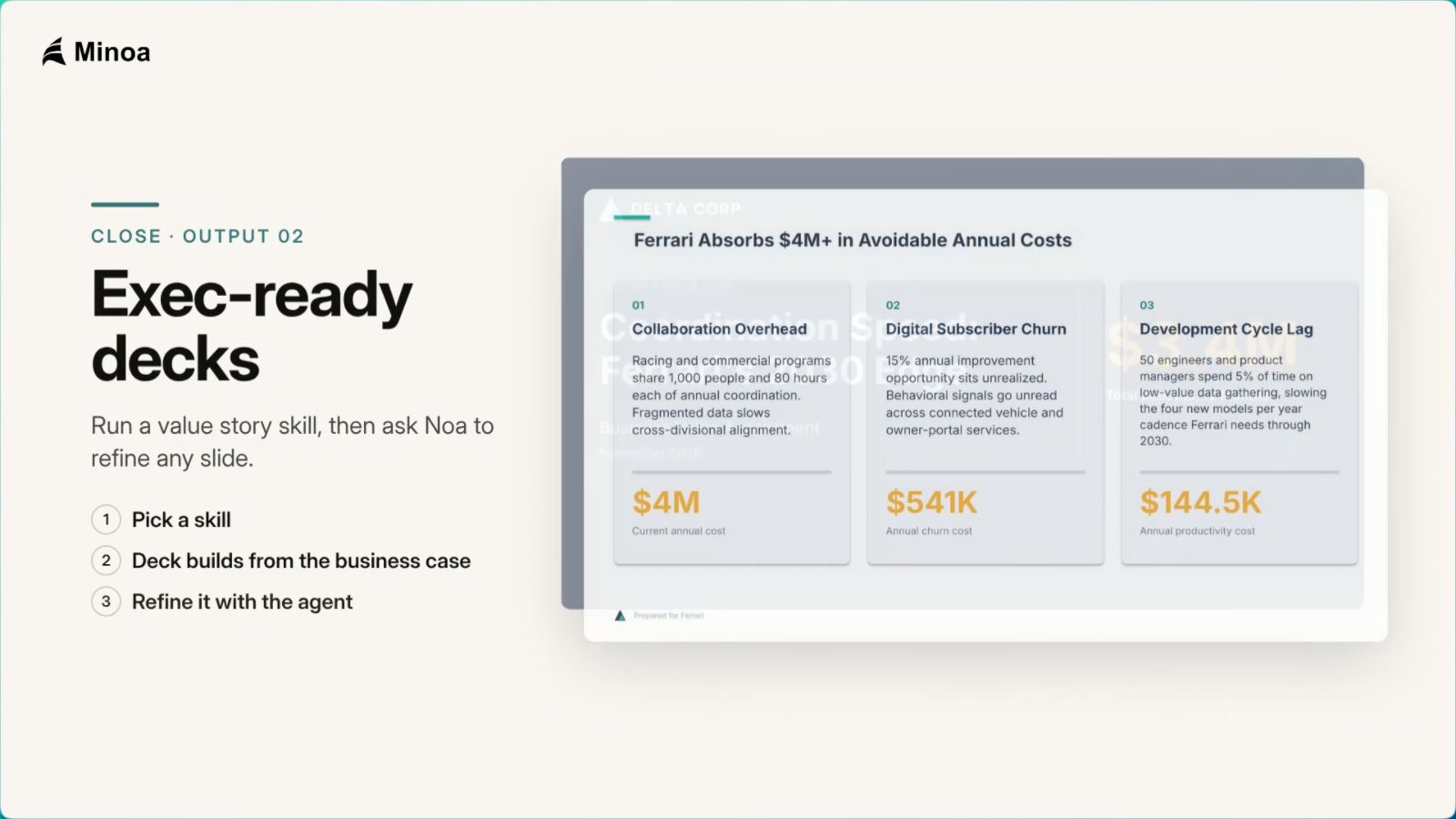
Exec-ready decks
Run a value story skill, then ask Noa to refine any slide.- Pick a skill.
- The deck builds from the business case.
- Refine it with Noa.
After the close
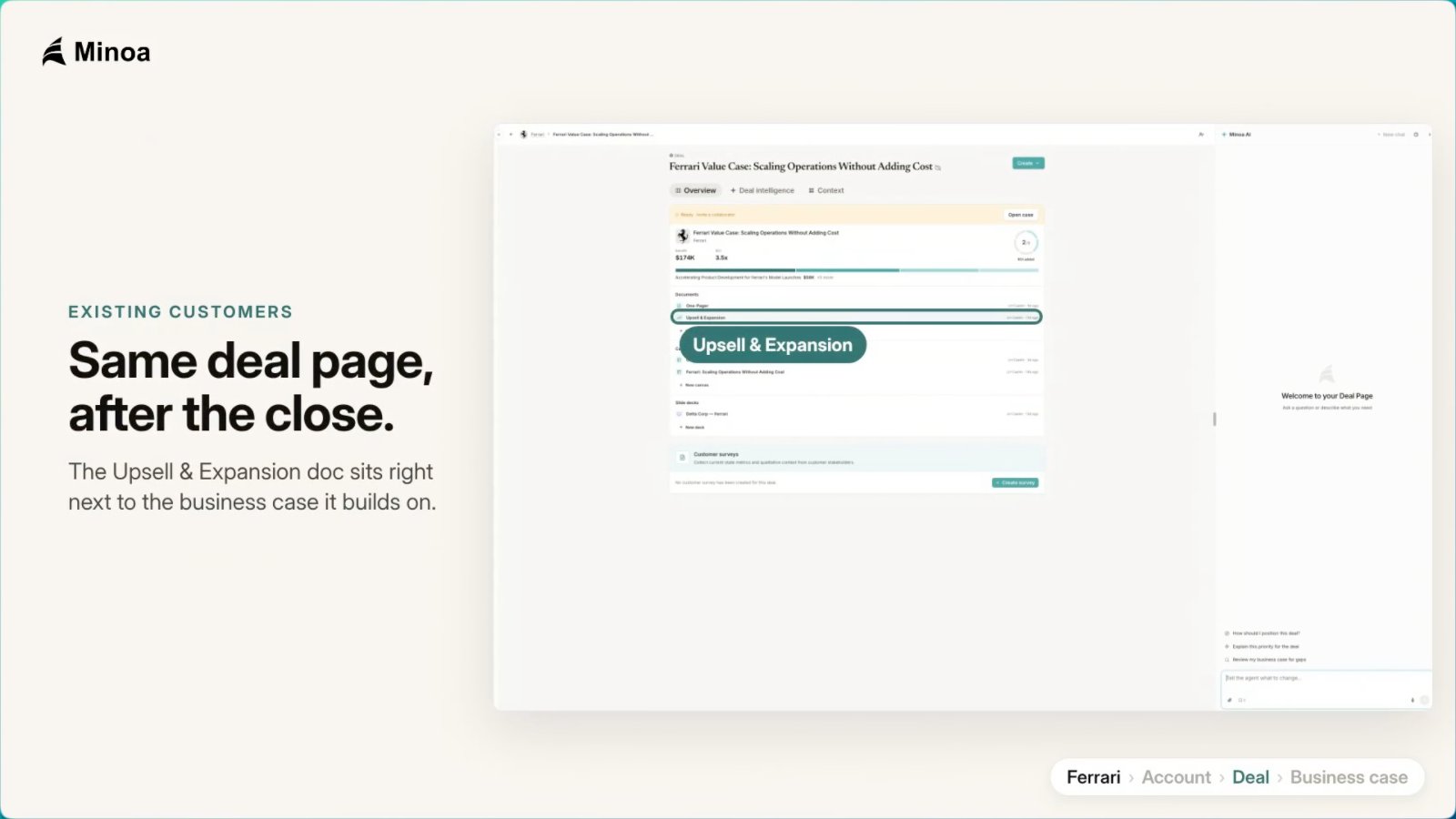
The story keeps going after the close. Open the deal, pick the moment, and ask Noa to build on the business case you already have.
It all happens on the same deal page. The Upsell & Expansion doc sits right next to the business case it builds on.
Not sure where to start? Just ask Noa.
A few prompts reps use on live deals:Pick the use cases
Summarize the deal context, then tell me which use cases you would put in this business case and why.
Check your sources
List every input in this case and whether it came from the customer, a document, research or an assumption.
Fix the big assumptions
Which of my remaining assumptions move the total benefit most? I want to fix those first.
Related
How Noa works
What Noa can do on a business case and how it stays grounded in your value framework.
Your deal page
Tabs, templates, and the business case builder, step by step.
Agent recipes
More prompts to copy into Noa.
Send your value story as a canvas or deck
Turn the business case into a Value Canvas or an exec-ready deck.